
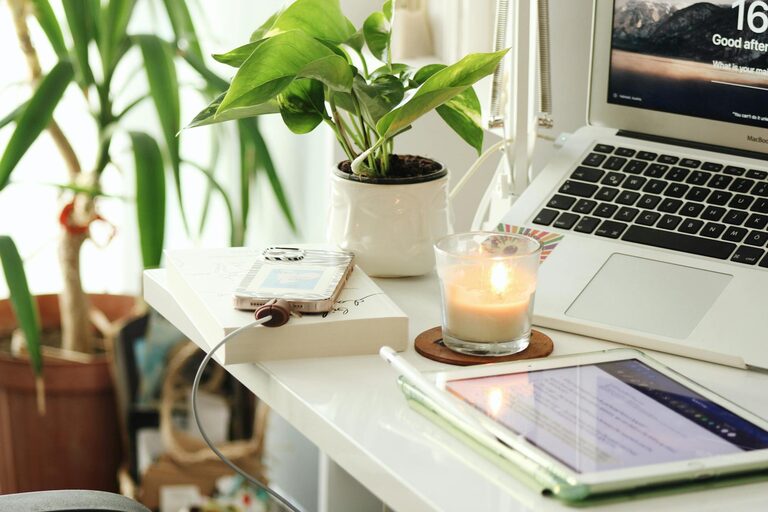
Creating a home workspace that supports your productivity while fitting your lifestyle can make a significant difference to your work-from-home experience. Whether you’re working remotely full time, freelancing, or simply need a dedicated spot for online tasks, a well-designed workspace helps you focus, stay organised, and maintain a healthy work-life balance.
This guide offers practical tips for setting up a productive home workspace tailored to your unique needs, habits, and living environment.
Choose the Right Location
Picking the right spot in your home is the first step in creating an effective workspace. Consider the following:
– Quiet and Low-traffic Areas: Select a place away from noisy parts of your home or frequent hustle, to minimise distractions.
– Natural Light: A space near a window benefits your mood and energy. If natural light is limited, opt for adjustable lamps.
– Space and Comfort: Ensure enough room for your desk, chair, and any equipment you need, leaving space to move comfortably.
If space is limited, a small corner or sectioned-off area can work well. The key is to designate a consistent area that your brain associates with work.
Invest in Ergonomic Furniture
Comfort and posture matter when you spend long hours working. Ergonomic furniture supports your health and productivity.
– Chair: Choose one with adjustable height, lumbar support, and cushioning to reduce strain.
– Desk: Your desk height should allow your arms to rest comfortably while typing. Consider a sit-stand desk if you prefer alternate positions.
– Monitor and Keyboard: Position your monitor at eye level to reduce neck strain. Use an external keyboard and mouse if working on a laptop.
Ergonomic setups prevent discomfort and can improve focus.
Personalise Your Workspace
Your workspace should inspire and motivate you.
– Colours: Incorporate colours you find calming or energising, such as blues for calm or yellows for creativity.
– Decor: Add plants, artwork, or personal photos to create a welcoming environment.
– Functional Accessories: Desk organisers, pinboards, or shelves help keep essentials tidy and accessible.
Personal touches make your workspace inviting without creating clutter.
Declutter and Organise Regularly
A tidy workspace reduces stress and distractions.
– Keep Essentials Only: Limit items on your desk to frequently used tools.
– Storage Solutions: Use drawers, trays, or boxes to organise papers, stationery, and cables.
– Daily Reset: Spend a few minutes at the end of each day clearing and organising your space.
Organised spaces improve focus and working speed.
Manage Technology Efficiently
Technology is vital for home working, but it can also cause interruptions.
– Reliable Equipment: Ensure your computer, internet connection, and peripherals are up to the task.
– Cable Management: Use clips or ties to avoid tangles and keep cables out of sight.
– Distraction Control: Disable non-urgent notifications or use apps that block distracting websites during work hours.
Setting up your tech properly keeps you connected and productive.
Establish Boundaries and Routines
A home workspace should support clear separation between work and personal life.
– Defined Work Hours: Stick to regular working times to create structure.
– Signals: Use physical cues, like closing a door or putting on headphones, to signal the start and end of work.
– Breaks: Schedule regular breaks to rest your eyes and stretch, which will help maintain productivity.
Good boundaries prevent burnout and help maintain balance.
Adapt Your Workspace to Your Lifestyle
Each person’s needs and routines are different, so customise your space accordingly.
– For Parents: Position your workspace where you can keep an eye on children but avoid interruptions.
– For Creatives: Make space for materials, inspiration boards, or brainstorming tools.
– For Minimalists: Keep the area stripped-back to essentials, focusing on simplicity and calm.
Regularly assess your setup and adjust it as your lifestyle or work demands change.
Prioritise Good Lighting and Ventilation
Proper lighting and airflow make long hours more comfortable.
– Lighting: Use a combination of ambient and task lighting to reduce eye strain.
– Ventilation: Ensure fresh air circulation, or consider air purifiers if necessary.
Comfortable environmental conditions support concentration and well-being.
Consider Sound Control
Depending on your situation, noise may be an issue.
– Noise-Cancelling Headphones: Useful to block out distracting background noise.
– Soft Furnishings: Rugs, curtains, and cushions absorb sound to reduce echo.
– White Noise Machines: These can provide a consistent, soothing background sound.
Finding ways to manage noise helps you maintain focus.
—
Creating a productive home workspace that complements your lifestyle doesn’t require a big budget or perfect conditions. With thoughtful choices about location, comfort, organisation, and personal needs, you can build an effective environment that supports your work and well-being daily. Regularly revisit and tweak your setup to keep it aligned with how you work best. Happy working from home!